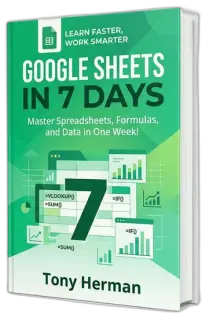
Master Google Sheets
in just 7 days.
A plain-English, step-by-step guide for complete beginners — one lesson a day, one week, and
you’ll never feel lost in a spreadsheet again.
You’re not just getting a PDF, you’re getting clarity, confidence, and saved time.
Instant PDF download · All skill levels · 30-day money-back guarantee
Sound familiar?
You’re not alone. These are the things people tell us every day.
You stare at a blank spreadsheet and have no idea where to start.
YouTube tutorials either skip the basics or move way too fast.
You feel embarrassed asking colleagues for help with “simple” things.
Tasks that should take minutes are eating up your whole afternoon.
Formulas, pivot tables, and VLOOKUP sound like a foreign language.
You know Google Sheets could save you time — you just can’t figure it out.
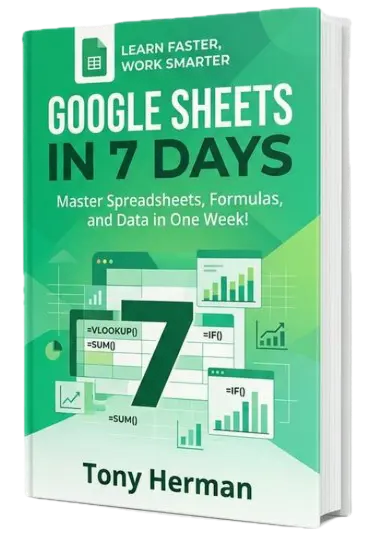
There’s a better way to learn.
Google Sheets in 7 Days is a structured, plain-English guide that takes you from zero to confident — in one week.
No fluff, no 4-hour video marathons, no assumed knowledge. Each day covers exactly one topic, walks you through it step by step, and ends with a hands-on exercise so the skill actually sticks.
By Day 7 you’ll be building real spreadsheets — budgets, trackers, dashboards — entirely from scratch.
Get the guide for $17What you’ll learn, day by day
Each lesson builds on the last. Follow in order or jump to what you need.
Your first spreadsheet
Navigate the interface, enter data, and format like a pro — even if you’ve never touched a spreadsheet before.
Formulas & functions
Write formulas that calculate automatically. SUM, AVERAGE, IF — and how to fix it when things go wrong.
Organizing your data
Sort, filter, and structure your data so you can find anything instantly — and keep it clean over time.
Conditional formatting
Make important data jump off the page. Overdue dates turn red, top performers glow green — automatically.
Charts & visualization
Turn rows of numbers into clear, professional charts in minutes. Bar, line, pie — and sparklines too.
Pivot tables & lookups
Summarize thousands of rows in seconds. The tools that separate casual users from confident ones.
Collaborate & automate
Share your work, record macros, connect to Google Forms, and discover what to learn next.
Everything you get
One price. Everything included. Yours to keep forever.
This guide is for you if…
You don’t need to be technical. You don’t need any prior experience. You just need 30–60 minutes a day and a free Google account.
- You’ve never used a spreadsheet and don’t know where to start.
- You use Google Sheets at work but mostly just type things into cells.
- You’re switching from Excel and want to get up to speed quickly.
- You’ve tried YouTube tutorials but need something more structured.
- You want to finally understand formulas, charts, and pivot tables.
What readers are saying
I finally understand pivot tables. I’ve been avoiding them for years and this guide made it click in one afternoon.
Zero risk. Full refund.
Work through the guide. If you don’t feel significantly more confident in Google Sheets within 30 days, just send me an email and I’ll refund every cent. No awkward questions, no hoops to jump through. I’m confident this will help you — but the risk is entirely mine.
Ready to stop guessing
and start knowing?
Thirty minutes a day. Seven days.
One guide that actually explains things properly.
Instant download · 30-day money-back guarantee · One-time payment