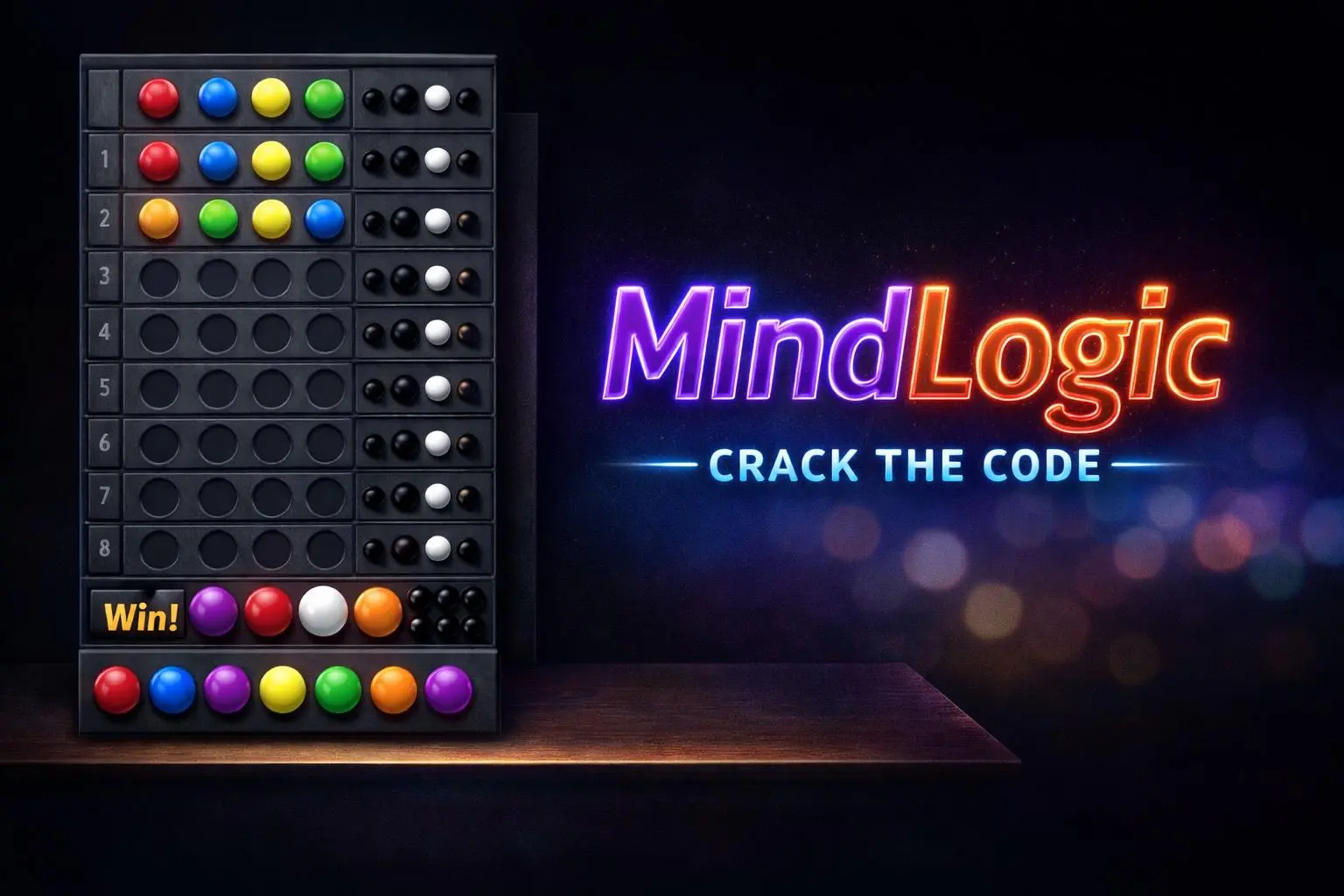
Mastermind-Like: Classic Board Game

This is an homage to me making this game on my TI-99/4A computer when I was 12 years old, storing to cassette tape. That computer only had 16k of memory. That’s a very small image on a website. That’s all the memory it had. If I wrote a program too large, it wouldn’t run.
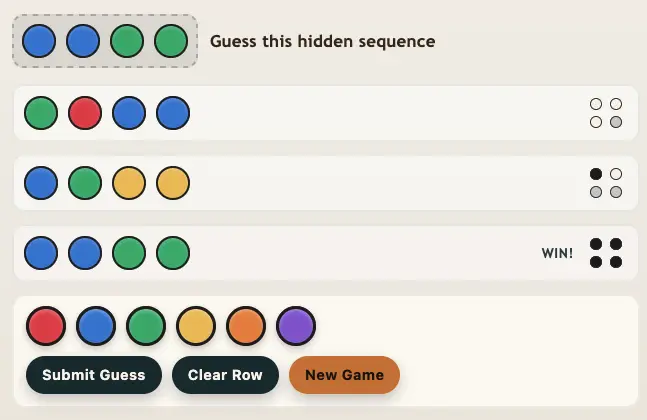
Enjoy playing the game!
Download as a Web App
You can download this game to your phone as a web app, so you can play it any time. Here’s the URL:
https://mindlogic.tcstix.com/iPhone / iPad (Safari)
- Open the CUE Web Player in Safari.
- Tap the Share button (square with an up arrow).
- Scroll down and tap Add to Home Screen.
- (Optional) Rename it to CUE Web Player.
- Tap Add.
Tip: If you don’t see “Add to Home Screen,” scroll a bit further down the Share menu, or tap Edit Actions… and add it.
Android (Chrome)
- Open the CUE Web Player in Chrome.
- Tap the 3-dot menu in the top-right corner.
- Tap Add to Home screen or Install app (the wording can vary).
- Confirm Add / Install.
Quick Troubleshooting
- Use the right browser: iPhone/iPad = Safari, Android = Chrome.
- If it opens in a normal browser tab: delete the shortcut and add it again.
- If audio won’t play: turn up volume while the player is open and make sure Silent Mode / Do Not Disturb isn’t blocking sound.
📄 Download a PDF of This Article