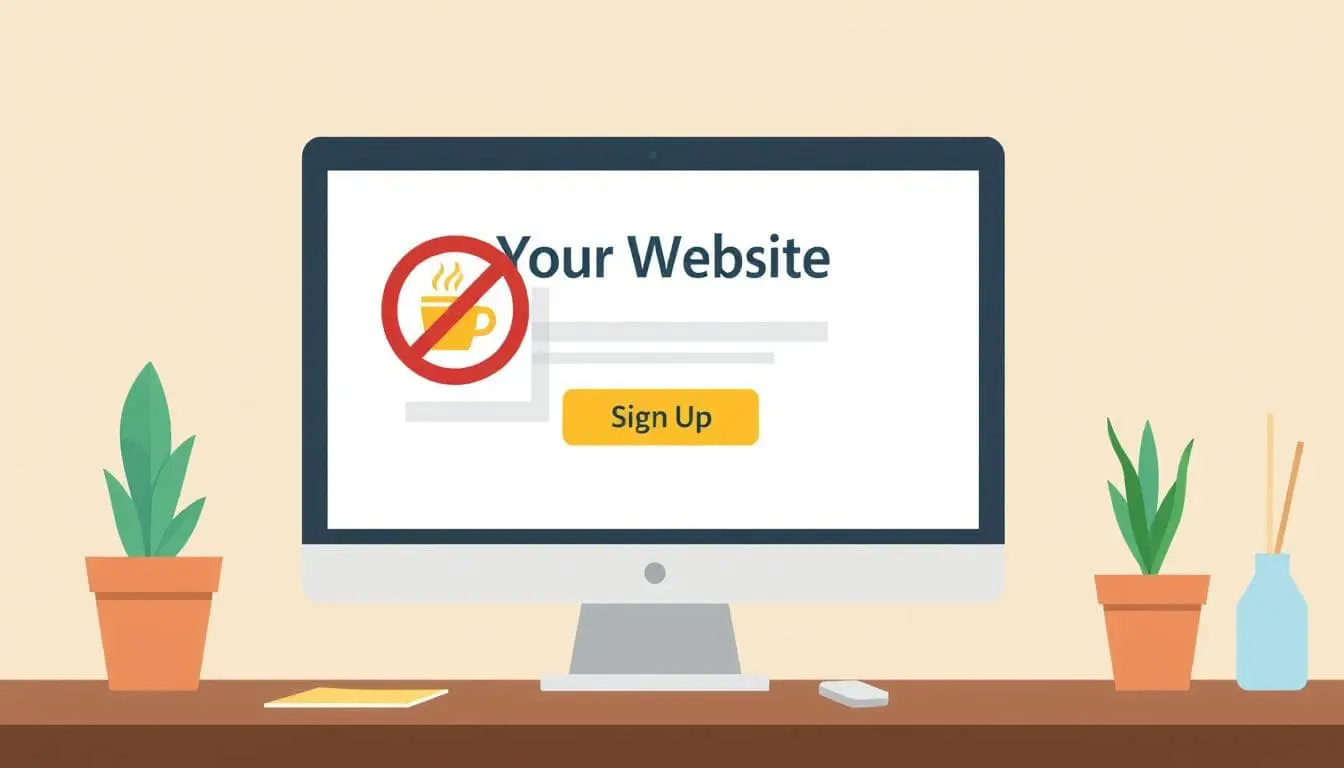
But Don’t Buy Me a Coffee on This Page

How to Remove the Buy Me a Coffee Widget from Specific WordPress Pages
If you’ve added the Buy Me a Coffee widget to your site, you know it’s a nice way to pick up some support from visitors. But there are times you don’t want it on every page — especially on landing pages where every click needs to lead to one thing: your conversion.
Unfortunately, the widget doesn’t come with an “exclude page” option. So how do you remove it on just one page?
Let’s fix that.
Why You Might Want to Hide the Widget
- You’re running an ad campaign and want fewer distractions
- It clashes with your page’s call-to-action
- You’re testing a cleaner layout
- You just don’t want to look desperate for coffee on every page
Step 1: Find the Page ID
WordPress assigns a unique ID to every post or page. You’ll need it to target the right one.
Here’s how to find it:
- Log in to your WordPress admin.
- Go to Pages > All Pages.
- Hover over the page you want to exclude.
- Look at the URL in your browser’s bottom-left corner (or click to edit the page).
- You’ll see something like:
post.php?post=13125&action=edit - In this case, the Page ID is 13125.
Step 2: Add the Code to Your functions.php File
You’ll be adding a small script that removes the widget from that specific page. In this example, page 13125 is the page ID.
⚠️ Heads up: Always back up your site or use a child theme when editing code.
add_action('wp_head', function () {
    if (is_page(13125)) { // Change this to your actual Page ID
        ?>
        <script>
        document.addEventListener("DOMContentLoaded", function () {
          const targetText = "Thank you for visiting. You can now buy me a coffee!";
          let tries = 0;
          const maxTries = 100;

          const interval = setInterval(() => {
            let found = false;

            // Remove icon
            const icon = document.getElementById('bmc-wbtn');
            if (icon) {
              icon.remove();
              found = true;
            }

            // Remove popup message
            document.querySelectorAll('div').forEach(el => {
              if (el.textContent?.trim() === targetText) {
                el.remove();
                found = true;
              }
            });

            if (++tries >= maxTries || found) {
              clearInterval(interval);
            }
          }, 100);
        });
        </script>
        <?php
    }
});
Where to paste it:
- Go to Appearance > Theme File Editor
- Open your
functions.phpfile - Paste it near the bottom
💡 Or use the Code Snippets plugin to manage it safely without editing theme files.
If You Need This for Multiple Pages
You could just paste that in for each page, but that’s more processing. The more elegant way is this:
add_action('wp_head', function () {
    if (is_page([13125, 6222, 9010])) { { // Use actual Page IDs
        ?>
        <script>
        document.addEventListener("DOMContentLoaded", function () {
          const targetText = "Thank you for visiting. You can now buy me a coffee!";
          let tries = 0;
          const maxTries = 100;

          const interval = setInterval(() => {
            let found = false;

            // Remove icon
            const icon = document.getElementById('bmc-wbtn');
            if (icon) {
              icon.remove();
              found = true;
            }

            // Remove popup message
            document.querySelectorAll('div').forEach(el => {
              if (el.textContent?.trim() === targetText) {
                el.remove();
                found = true;
              }
            });

            if (++tries >= maxTries || found) {
              clearInterval(interval);
            }
          }, 100);
        });
        </script>
        <?php
    }
});
Also By Slug (Easier)
Instead of searching for Page IDs, use slugs instead:
add_action('wp_head', function () {
    if (is_page(['no-coffee', 'clean-page', 'signup'])) { // Replace with your page slugs
        ?>
        <script>
        document.addEventListener("DOMContentLoaded", function () {
          const targetText = "Thank you for visiting. You can now buy me a coffee!";
          let tries = 0;
          const maxTries = 100;

          const interval = setInterval(() => {
            let found = false;

            // Remove icon
            const icon = document.getElementById('bmc-wbtn');
            if (icon) {
              icon.remove();
              found = true;
            }

            // Remove popup message
            document.querySelectorAll('div').forEach(el => {
              if (el.textContent?.trim() === targetText) {
                el.remove();
                found = true;
              }
            });

            if (++tries >= maxTries || found) {
              clearInterval(interval);
            }
          }, 100);
        });
        </script>
        <?php
    }
});
What This Script Does
- Checks if the current page matches your Page ID
- Waits for the page to load
- Repeatedly looks for the Buy Me a Coffee elements
- Deletes both the icon and the popup message once found
- Stops running after 10 seconds or once it succeeds
Final Thoughts
The Buy Me a Coffee widget is a great tool — but sometimes, less is more. A clutter-free, distraction-free landing page can be the difference between a bounce and a conversion.
So yes… buy me a coffee.
Just not on this page… or the one I mention – you can on this one if this helped you!
📄 Download a PDF of This Article