How to Make Instagram Open Your Link in an External Browser
 Reading Time: 4 minutes
 TL;DR Summary: Instagram links open in the in-app browser by default, causing issues with analytics and site features. Changing this setting within Instagram isn't reliable. TapClick.to offers a solution by redirecting links to open in the user's system browser, ensuring better functionality and user experience. Read on to learn how to implement this fix and why it's crucial for accurate analytics, affiliate tracking, payments, and more.
How to Make an Instagram Profile Link Open in Chrome
There’s a definite need to open an IG link in an External Browser (iOS and Android). I didn’t know this existed, but I found a solution.
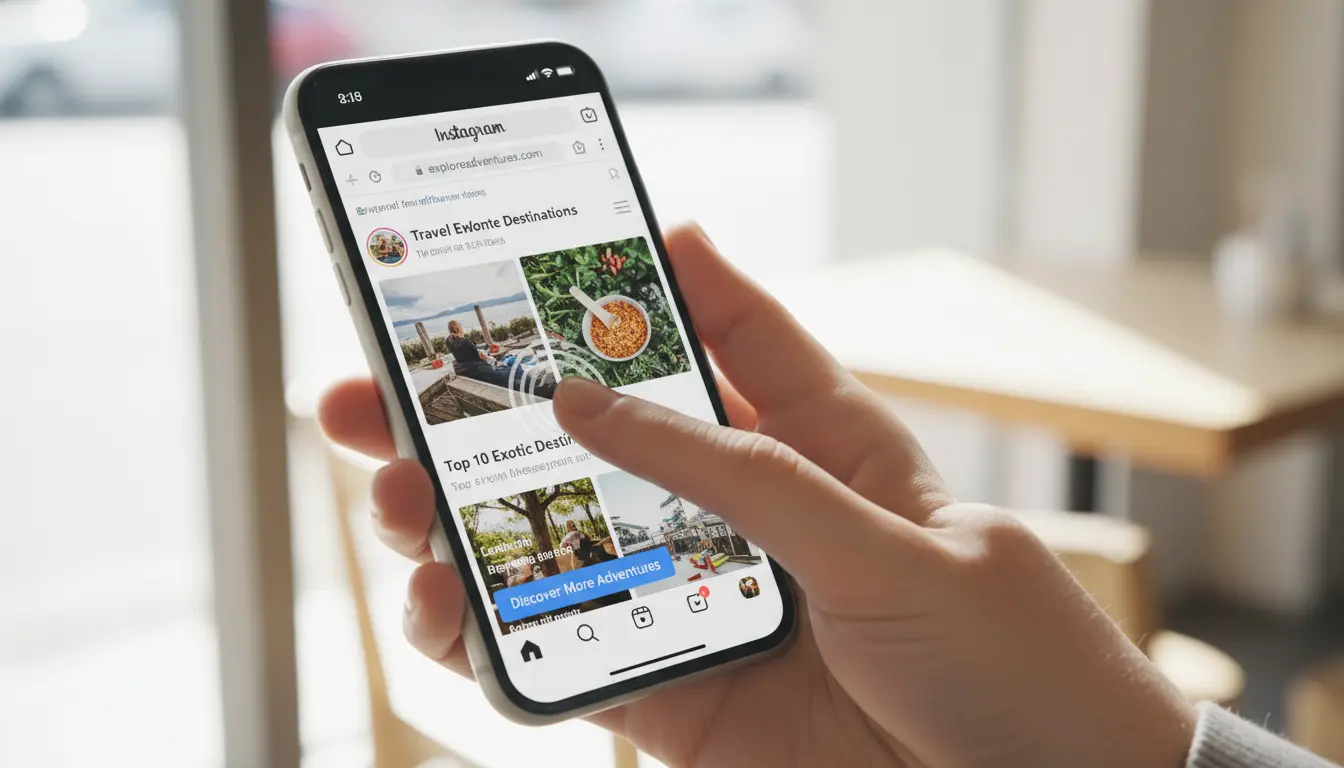
Here’s the honest truth: Instagram forces links to open in its in-app browser, and you can’t reliably change that from inside Instagram.
People keep searching for ways to make Instagram open links in Chrome or Safari by default. You’ll find forum threads, half-answers, and a “fix” that tells you to change a setting that most users don’t even have.
My Shortcut and How I Got it Working…
I started noticing something odd: sometimes profile links on Instagram opened in Safari on my iPhone. I couldn’t reproduce it or find a setting that made it happen consistently. After digging through docs and threads, I realized there wasn’t a dependable switch. So I built a simple tool that reliably opens your link in the user’s real browser—that tool is TapClick.to.
Quick Summary:

- Instagram’s in-app browser breaks analytics, payments, and some site features.
- You can’t force Instagram to use Chrome/Safari via a reliable in-app setting.
- Use a smart redirect link that opens the system browser. That’s exactly what TapClick.to does.
Why Instagram Won’t Open Links Externally
- Instagram defaults to its in-app browser for bio links, story links, and DMs.
- Even when users figure out in the settings how to manually choose “Open in Chrome/Safari,” Instagram doesn’t always remember it.
- Creators and brands can’t change this behavior from their account settings.
Why Most “Fixes” Don’t Actually Fix Anything
- “There’s a hidden setting” — usually not there or not persistent.
- “Clear cache / reinstall” — temporary at best; behavior returns.
- “Tap the menu and switch every time” — friction your audience won’t tolerate.
These are workarounds, not a consistent solution.
The Only Reliable Fix: Use a Redirect That Opens the Real Browser
Since you can’t change Instagram’s behavior, change the link. A smart redirect can hand off to the device’s default browser (Chrome/Safari) so users leave the in-app webview and land on your real site.
TapClick.to does this for you:
- Paste your destination URL.
- Get a special redirect link.
- Use that link anywhere in Instagram (bio, stories, DMs) to open in the external browser.
Why This Matters: Real-World Wins
- Accurate analytics: UTM tracking and cookies behave normally.
- Affiliate reliability: Tracking parameters are less likely to break.
- Payments & checkouts: Stripe/PayPal flows behave the way they should.
- Password managers: Auto-fill works in the system browser.
- Fewer weird bugs: You avoid IG’s webview quirks.
- Track clicks: Like a good tool should do, we tell you how many times each link is clicked so you can track your campaigns.
How to Use TapClick.to (60 Seconds)
- Go to TapClick.to.
- Paste your normal link (product page, newsletter, checkout, etc.).
- Copy your new TapClick.to link.
- Use it anywhere inside Instagram: bio, story link sticker, DMs.
That’s it. Your visitors land in Chrome/Safari instead of the IG browser.
Tip: Create an account to edit your links later and see stats.
FAQs on Making an IG Profile Link Open in a Browser
Can I force Instagram to always use Chrome or Safari?
Not from inside Instagram. There’s no reliable, permanent toggle. Use a redirect that opens the system browser.
Why does Instagram keep users in the in-app browser?
Retention and measurement. It’s how many social apps work.
Does TapClick.to cost anything?
It’s free to start and built specifically for this use case.
Does this help with Facebook or TikTok too?
Yes—other apps use similar in-app browsers. The same link helps there.
Technical Notes (For Devs)
Client-side “force external” tricks are unreliable in Instagram’s webview. The dependable approach is a server-side redirect pattern that hands off to the system browser with the full destination URL preserved (including UTM and affiliate params). That’s the route TapClick.to takes—no custom code or user fiddling required.
Try It
If your audience gets stuck inside Instagram’s browser—or your analytics, checkout, or affiliate tracking break there—use a link that gets them into the real browser.
Glossary
In-App Browser (WebView): A mini browser embedded inside an app (like Instagram) that opens links without leaving the app.
System Browser: The device’s default full browser (Safari on iOS, Chrome on Android).
Redirect: A server instruction that forwards a visitor from one URL to another.
UTM Parameters: Tracking tags added to URLs to measure campaigns in analytics tools.
Affiliate Parameters: URL parameters used to attribute referrals and commissions.
📄 Download a PDF of This Article