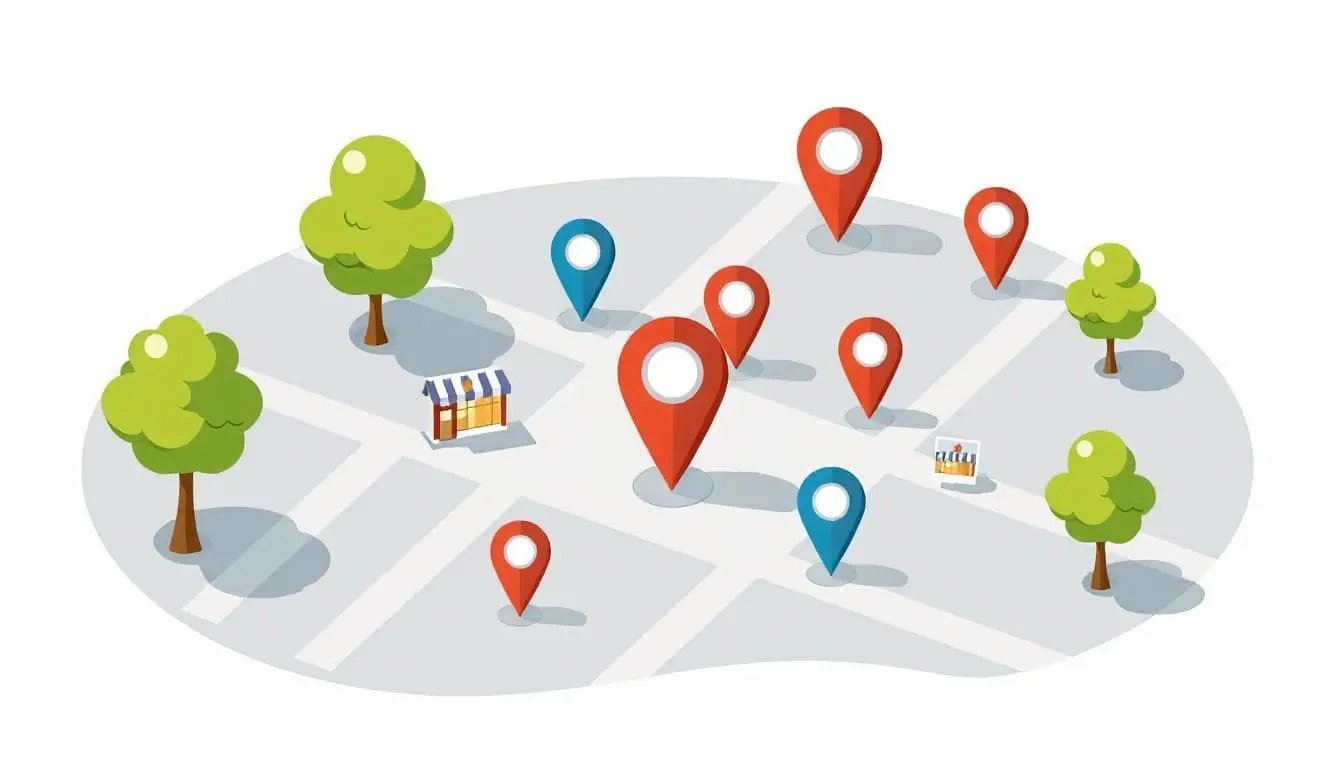
How Do I Do SEO For “Near Me?”
 Reading Time: 4 minutes
 TL;DR Summary: Add "near me" or no? No. You don’t rank for “near me” by stuffing the words "near me" into your pages. Google is smarter than that. You rank by proving—with lots of small, consistent signals—that you’re a real local business serving people in a specific area. That's it. Read on to learn exactly HOW to do this.
What “Near Me” Really Means…
When someone searches “plumber near me,” Google blends relevance (what you do), proximity (where you are vs. the searcher), and prominence (trust/authority). Your job is to make those local trust signals obvious and consistent everywhere your business appears.
1. Nail NAP Consistency (Name, Address, Phone)
- Use the exact same NAP on your website, Google Business Profile (GBP), social profiles, directories, and anywhere else your business is listed.
- Put NAP in your footer on every page so any crawl instantly ties content to your location.
- Link your address to your GBP using a CID link to reinforce the connection.
Example footer markup:
<address>
  <strong>Acme Plumbing</strong><br>
  123 Main St, Hamilton, ON L8P 1A1<br>
  (555) 123-4567<br>
  <a href="https://www.google.com/maps?cid=YOUR_CID_HERE" rel="nofollow noopener">View on Google</a>
</address>
2. Fully Build Out Your Google Business Profile
- Complete everything: description, primary/secondary categories, services, hours, service area, products/menus.
- Add real photos regularly: storefront, team, jobs before/after, interior. Fresh media signals activity.
- Link to the right page: usually your homepage (or a strong local service page), not Facebook or an About page.
Your GBP is the engine behind the map pack. If it’s thin or mismatched with your site, you’ll struggle to show up.
3. Citations: Boring but Powerful
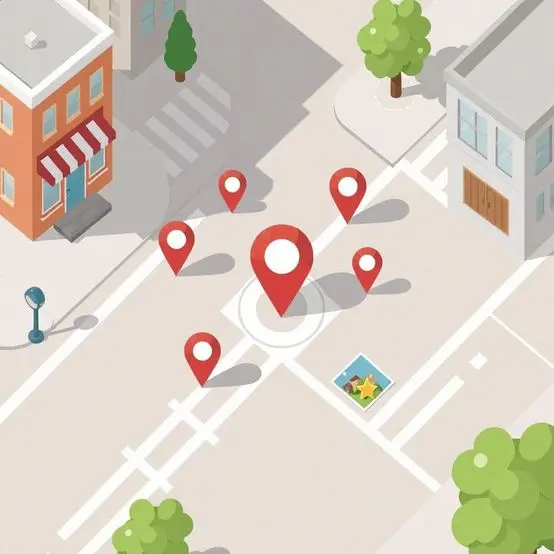
Listings on trusted directories (general, industry, and local—think chamber, associations, neighborhood sites) act like verification points. Google cross-checks your NAP across these sources. Consistency builds confidence; inconsistencies erode it.
- Standardize formatting (e.g., “Suite 200” vs “Ste 200”). Pick one and use it everywhere.
- Prioritize quality listings you can control and maintain; quantity without consistency doesn’t help.
4. Reviews (With Photos if Possible)
Steady, authentic reviews are a major local trust signal. When customers include photos of their experience (the meal, the installed unit, the storefront), it gives humans and algorithms stronger real-world proof that you’re active in that location.

- Ask at the right time: right after a successful visit or completed job.
- Make it easy: share your direct review link; suggest they include a quick photo.
5. Local Mentions & Backlinks
Backlinks help, but local relevance matters just as much as raw authority. Earn mentions and links from entities in your community:
- Chamber of Commerce, business associations, local news/event calendars
- Sponsorships (youth teams, charity drives) with website listings
- Partner shout-outs from neighboring businesses you already work with
These are like community “vouches” that lift your visibility for “near me.”
6. On-Page Local Signals (Say What You Do, and Where)
Generic service copy (“We fix roofs.”) gives no geographic context. Work in natural location cues—city, neighborhoods, landmarks, service radius—so people and Google both know where you operate.
Instead of: “We provide plumbing services.”
Try: “We provide plumbing services for families in Hamilton—from downtown condos to homes near Gage Park.”
- Service pages:
- Mention primary city and key neighborhoods you actually serve. Talk about landmarks.
- Pro tip: Look up your city/town on Wikipedia and see what landmarks are mentioned. Use those same ones.
- Blog topics:
- Tie your expertise to local context (e.g., “5 Roofing Issues After Hamilton Freeze-Thaw Cycles”).
- LocalBusiness schema:
- Mirror your NAP, hours, URL, and links for consistency.
A Simple Action Plan to Start Today:
- Footer first: add consistent NAP to every page; link address to your GBP (CID link).
- GBP tune-up: complete all fields, add categories/services, upload fresh photos, link to the best page.
- Citations: correct/submit listings on high-value directories and your chamber/associations.
- Reviews: ask weekly; encourage photo uploads where appropriate.
- Local links: turn existing relationships into mentions/backlinks (sponsorships, partners, events).
- On-page: update service pages with real city/area language; plan one locally-focused blog post.
Common “Near Me” Mistakes
- Keyword stuffing “near me” into titles and paragraphs (it doesn’t work).
- Inconsistent NAP across profiles and directories.
- Thin GBP (missing categories, no photos, wrong link).
- Generic copy that never says where you actually serve.
Bottom line: ranking for “near me” is a by-product of proving you’re local, consistent, and trusted. Get the fundamentals right and the map results follow.
Bonus: Use the Right Keywords
You need to match the keywords you’re optimizing for with the keywords, phrases, and questions people are actually typing into Google. That just makes sense, right?
Quick story: I remember working with a client who insisted that his website come up for a certain keyword. It was his industry + the county they do business in. We told him we could, but that it would be a waste since there were only about 10 searches per month for that keyword. Nobody looked up that business by county. Once we showed him the data, he actually backed off and changed his mind.
How do you find the right keywords? Research. But don’t worry, it’s not that difficult. I built a tool to help with this called RankCheck Pro where you can run a free report. Go there, and you’ll get a list of 20 keywords you’re ranking for. Some of those would be great to use in conjunction with your location. Try it – it’s free. If you create an account, you can download the SEO Action Guide PDF inside your account, which walks you through the exact steps to optimize your website using keywords.
📄 Download a PDF of This Article