Why You Should NOT Use Gmail

TL;DR Summary: Using a Gmail address for business emails hurts credibility. Opt for a professional domain-based email to boost brand perception, trust, deliverability, and control. Set up role-based addresses, authenticate your domain, and choose a reliable email provider like Google Workspace for a seamless transition. Read on to learn how this simple change can enhance your business image and operations.
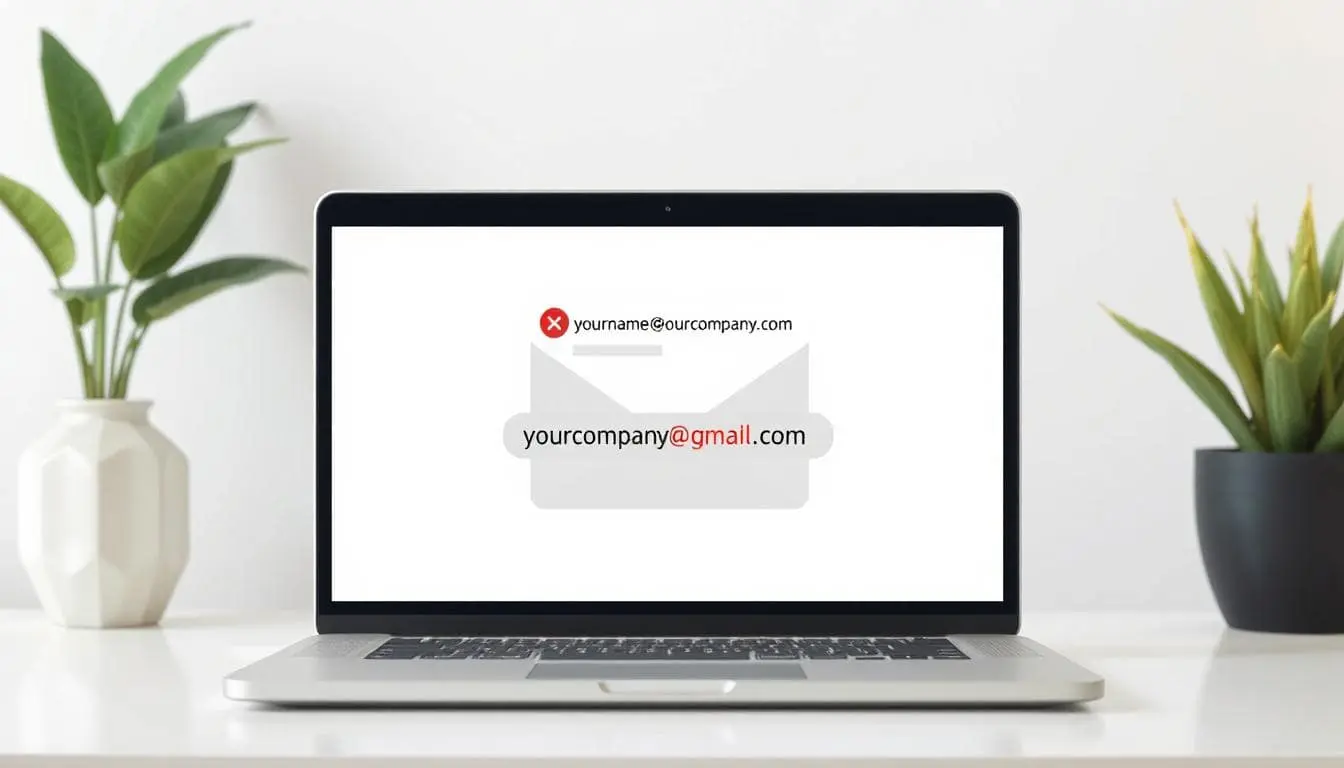
If your business email is yourcompany@gmail.com, you’re signaling “side project,” not a real business. Customers notice. Vendors notice. Even spam filters notice. A professional company uses its own domain for email—simple as that.
Why using Gmail hurts your credibility
- Perception: A free address looks temporary and unprofessional, especially on invoices and proposals.
- Trust & brand: name@yourcompany.com reinforces your brand every time you hit send.
- Deliverability: Custom domains can be authenticated (SPF, DKIM, DMARC). That helps email reach inboxes instead of spam.
- Ownership: You control accounts, aliases, and archives—critical for employee onboarding/offboarding and legal records.
What to use instead
Set up mail on your own domain and create role-based addresses that scale:
- firstname@yourcompany.com (personal)
- info@, support@, sales@, billing@ (roles)
- Use aliases so one person can receive multiple roles without sharing passwords.
Deliverability & security basics
- Authenticate: Publish SPF and DKIM; add DMARC to protect your domain from spoofing.
- Secure access: Enforce 2FA and use a password manager. Limit admin rights.
- Retention: Keep business email in company-controlled inboxes, not personal accounts.
How to set it up (fast)
Pick a hosted business email provider (Google Workspace, Microsoft 365, or reliable email hosting from your web host). Verify your domain, add users, then set SPF/DKIM/DMARC. Avoid “forward-only” setups to a personal Gmail—send through your domain’s authenticated SMTP so the From line matches the domain you own.
And do what my company does – use Google Workspace. You get the Google interface (website) and it’s with your domain name – simple.
Mistakes to avoid
- Using yourcompany@gmail.com on quotes or receipts.
- Mixing personal and business mailboxes.
- Changing addresses often (customers won’t keep up).
- Skipping a proper signature with full contact info.
The bottom line: own your identity. Email on your domain is a small step that pays off every single day in trust, deliverability, and control.

📄 Download a PDF of This Article