
Introducing DNS Snapshot – Instantly Capture and Track DNS Records

TL;DR Summary: Need to document DNS settings before making changes? DNSSnapshot.com lets you take a snapshot of any domain’s DNS records instantly — no signup, no cost.
Why You Should Be Taking DNS Snapshots
Let’s be real: DNS records are invisible until something breaks. Most people only notice them when email stops working or their site goes offline. And when that happens, good luck trying to remember what the records were before the change.
Since there’s no history built into DNS records, if you’re not grabbing a snapshot before making DNS changes, you’re flying without a parachute. Taking a snapshot is the smartest first step to always take because you might need to know how DNS looked before you started making changes.
What DNSSnapshot.com Does
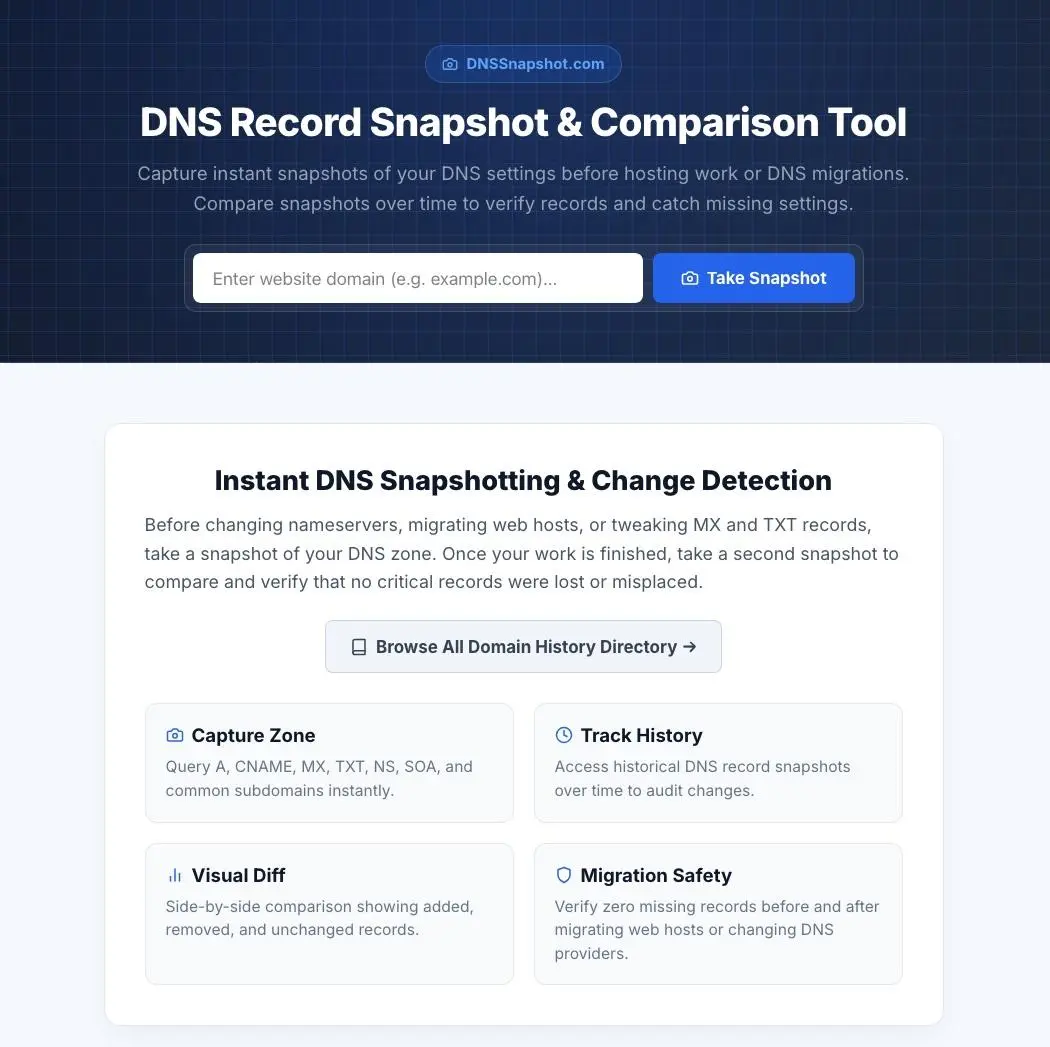
I built DNSSnapshot.com so you can:
- Instantly capture current DNS records (A, AAAA, MX, TXT, CNAME, NS, SOA, PTR)
- Save the snapshot under a permanent URL like
dnssnapshot.com/example.com/2025-06-05_14-30-22/ - Access all snapshots for a domain in one place
- Compare changes manually or with your own tools
- Copy DNS data cleanly with one click (includes source info + timestamp)
It’s fast, free, and you don’t need to sign up or log in. Just solve a simple math CAPTCHA to prevent abuse and you’re good to go.
What Prompted This
We had a client on GoDaddy who needed DNS updates. My team was locked out of editing the records, so GoDaddy stepped in. After they “helped” us, email broke. Turns out, the MX records were changed incorrectly. Worse yet, it took days (2-3 days) to fix because our client didn’t have text alerts enabled on their account (silly, sill, GoDaddy).

This could have been solved in seconds with a snapshot beforehand. So I built the tool we needed, and now it’s live for anyone to use.
How to Use It
- Go to DNSSnapshot.com
- Enter a domain
- Take a snapshot
- Get a permanent link you can return to any time
Use it before making changes, during audits, or when documenting a client hand off. No more guessing.
Final Thoughts
If you deal with DNS regularly, this is one of those tools you won’t know how you lived without. It’s lightweight, always available, and doesn’t get in the way. I hope it saves you as much stress as it’s already saved me.
📄 Download a PDF of This Article