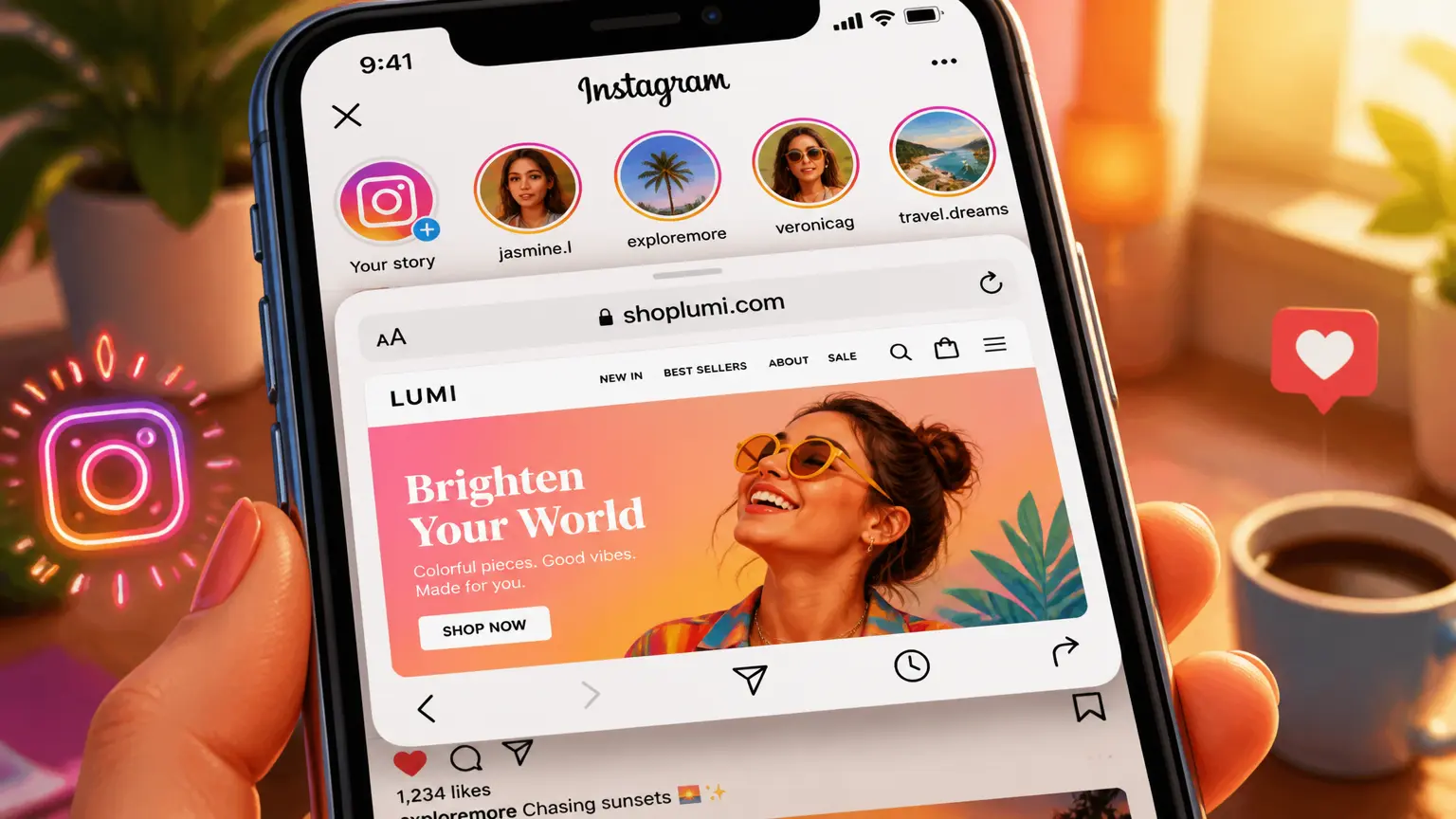
How We Got Instagram to Open Links in an External Browser (After Lots of Failed Attempts)

TL;DR Summary: Instagram’s in-app browser is convenient, but it isn’t always ideal. We wanted TapClick.to links to open in the device’s regular browser whenever possible. After testing multiple approaches, researching how other services handled it, and doing a lot of experimentation, we found a much more reliable solution. No hacks. No browser exploits. Just understanding how the platform behaves and building a graceful fallback when it doesn’t cooperate.
Why We Started Looking at This
If you’ve ever clicked a website from Instagram, you’ve probably noticed you’re still inside Instagram.
That can cause issues:
- You may not already be logged into the destination website.
- Shopping sites may behave differently.
- Payment systems sometimes work better in the device’s default browser.
- Analytics and advertising attribution can be inconsistent.
- Some websites simply don’t behave as expected inside embedded browsers.
We wanted TapClick users to have a smoother experience.
Our First Attempts
Like many developers, we started with what seemed obvious.
We experimented with:

- browser-specific URL schemes
- JavaScript redirects
- delayed redirects
- user-initiated buttons
- automatic browser handoffs
Some worked…
…until they didn’t.
Some versions worked in one release of Instagram but failed in another.
Others produced an unhelpful message saying there was a problem loading the page.
That wasn’t good enough.
Becoming Software Detectives
At this point we changed our approach.
Instead of asking, “How do we force Safari to open?”
we started asking, “How are other products solving this?”
- We tested competing services.
- We inspected HTTP requests.
- We looked at HTML.
- We compared browser behavior.
- We tested different versions of Instagram.
Eventually a pattern emerged.
The Important Lesson
The biggest lesson wasn’t a particular line of code.
It was this:
Platforms change.
Anything that depends on undocumented behavior can stop working tomorrow. Instead of assuming one solution would always work, we designed TapClick to fail gracefully.
If Instagram cooperates, great.
If not, users still have clear options for opening the link.
That’s a much better experience than showing an error page.
Engineering Is Mostly Testing
One thing non-developers don’t often see is how much time is spent testing ideas that don’t work.
For this project we tested:
- different browsers
- desktop vs. mobile
- iPhone vs. Android
- TikTok
- redirect methods
- timing differences
- caching behavior
Every failure taught us something.
Eventually the right approach became obvious.
Building Software That Lasts
One thing we’ve learned over the years is that clever tricks usually don’t age well.
Reliable software isn’t about finding hacks.
It’s about understanding how platforms work, adapting when they change, and giving users a good experience even when the technology doesn’t behave exactly as expected.

That’s the philosophy behind TapClick.to.
Final Thoughts
Sometimes the hardest part of software development isn’t writing code.
It’s asking better questions.
This project started with a simple goal: “Can we open links outside Instagram?”
It turned into a fascinating lesson in browser behavior, mobile apps, testing, and persistence. And honestly, that’s one of the things I love most about programming.
FAQs
Why not just force Safari to open?
Modern apps intentionally limit what websites can do for security and privacy reasons. A method that works today may stop working after an app update.
Does this work on Android too?
Android behaves differently and offers different capabilities depending on the browser and app.
Why didn’t you publish the exact implementation?
Because the implementation will likely evolve over time. The interesting part isn’t the individual code snippets—it’s the engineering process of observing, testing, and building a solution that degrades gracefully.
📄 Download a PDF of This Article