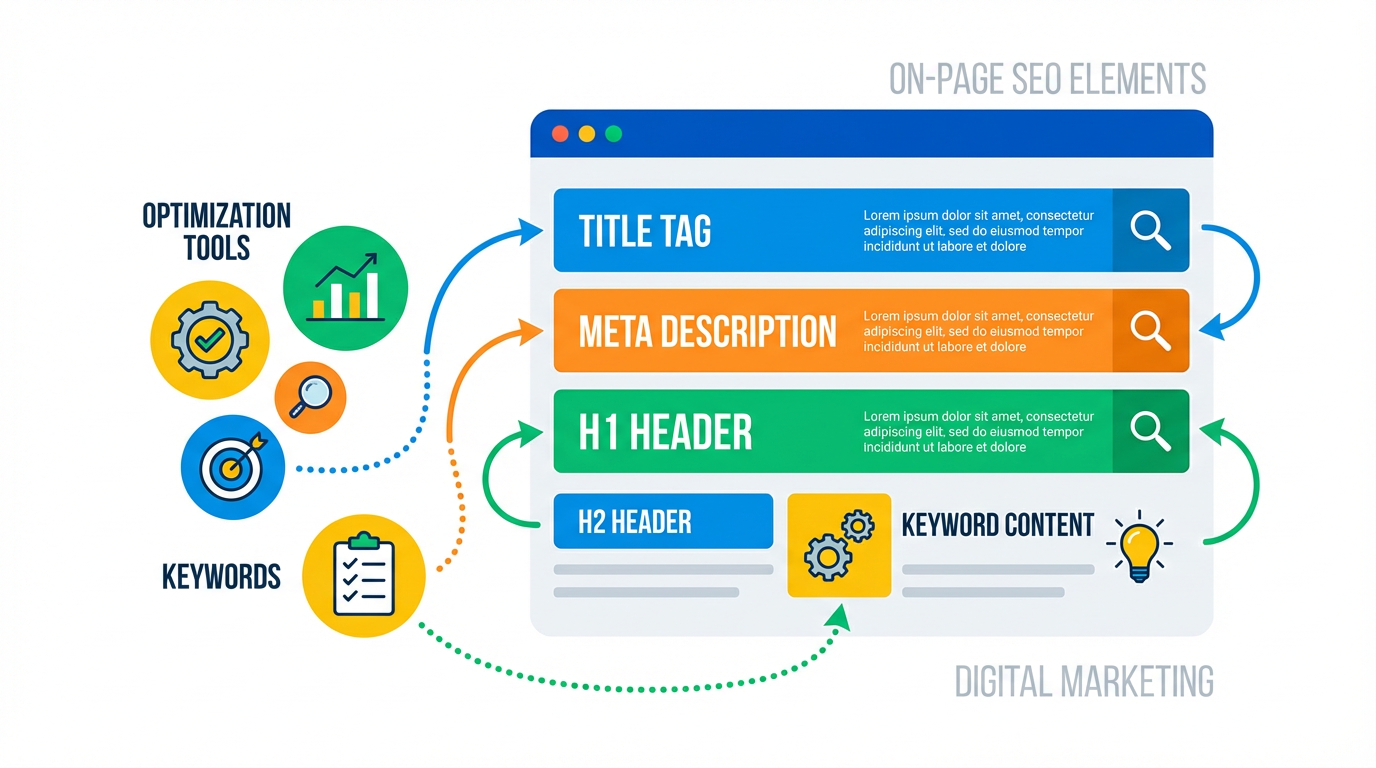
Easiest On-Page SEO Using Keywords
 Reading Time: 2 minutes
 This is just so simple with the tools I’ve built. Let me show you.
1. Run a Report at RankCheck Pro
Go to the Quick Keyword Wins section:

There’s a copy button on the left, I copy those, then go to my article on my website where I can enter the keywords. It searches for more that are good and I add them to the page:

And they appear on the post:
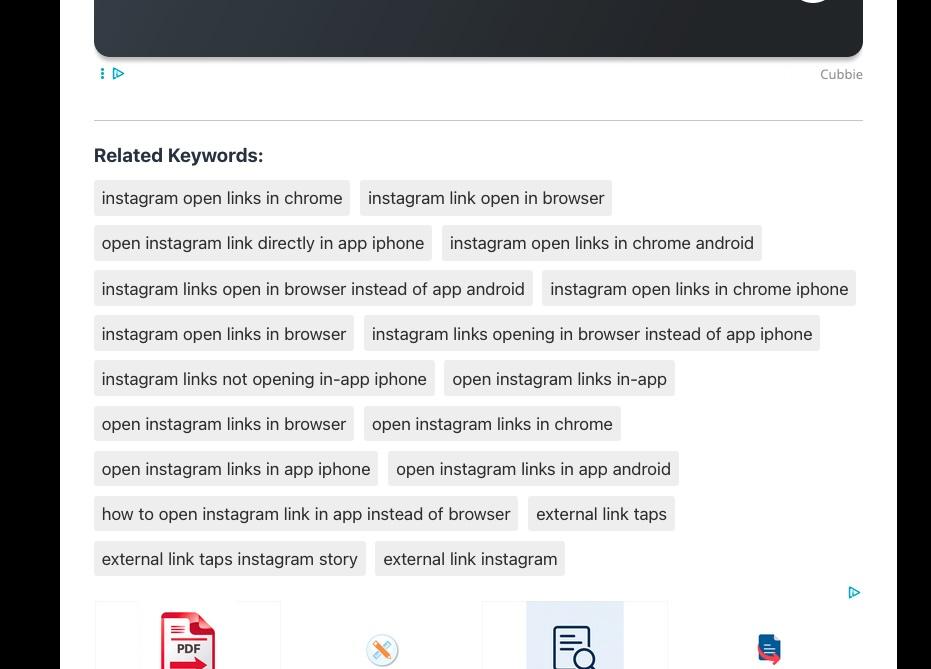
Yes, I have a TL;DR plugin and this Smart SEO Keywords plugin I made. They’re great, but not released yet. If there’s enough demand, I might release them or make them available at RankCheck Pro.
Here’s what you do:
- Integrate these keywords into a page by writing more content.
- Use those same keywords in the page title, headings, and meta description… done.
- Move on to the next page.
- Check back later and see how that page is doing in Google Search Console.