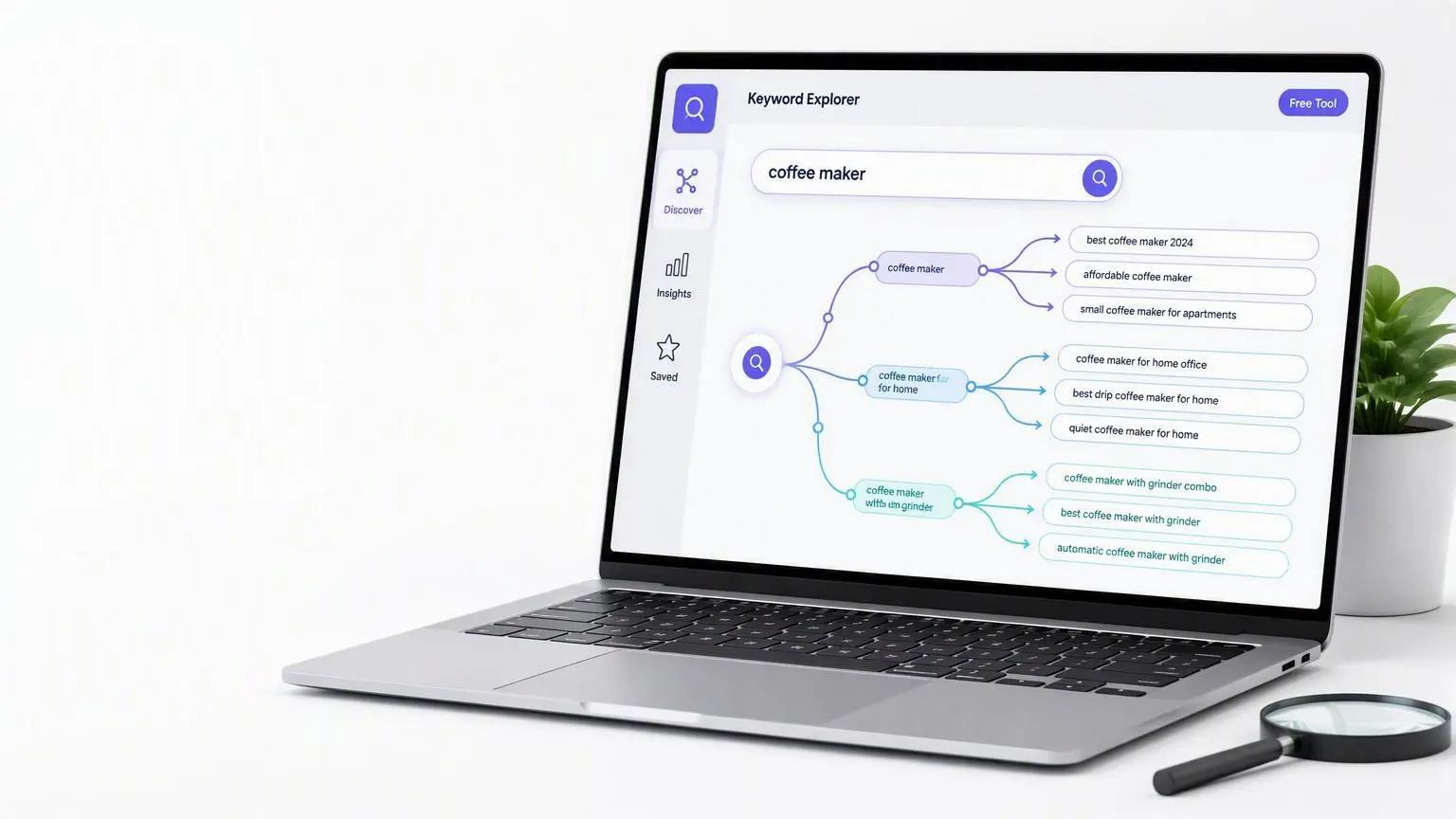
A Simple, Free Way to Find Long-Tail Keywords with Google Autocomplete

TL;DR Summary: Autocompleter is a free keyword-research tool that uses Google Autocomplete suggestions. Start with a broad phrase, then click promising results to keep drilling down into more specific long-tail keywords. The suggestions can inspire blog posts, service pages, FAQs, videos, and other useful content. No account or paid subscription is required.
Find Long-Tail Keywords with This Free Google Autocomplete Tool
Keyword research doesn’t always require an expensive SEO subscription.
I recently built a free tool called Autocompleter that pulls real-time keyword suggestions from Google Autocomplete. After using it for a while, I’ve found that its most useful feature isn’t simply producing a list of keywords—it’s the ability to follow one suggestion into another and gradually uncover highly specific long-tail keywords.
The tool is completely free and doesn’t require an account.
What Is Autocompleter?
Autocompleter is a simple keyword-research tool that retrieves suggestions from Google’s autocomplete system.
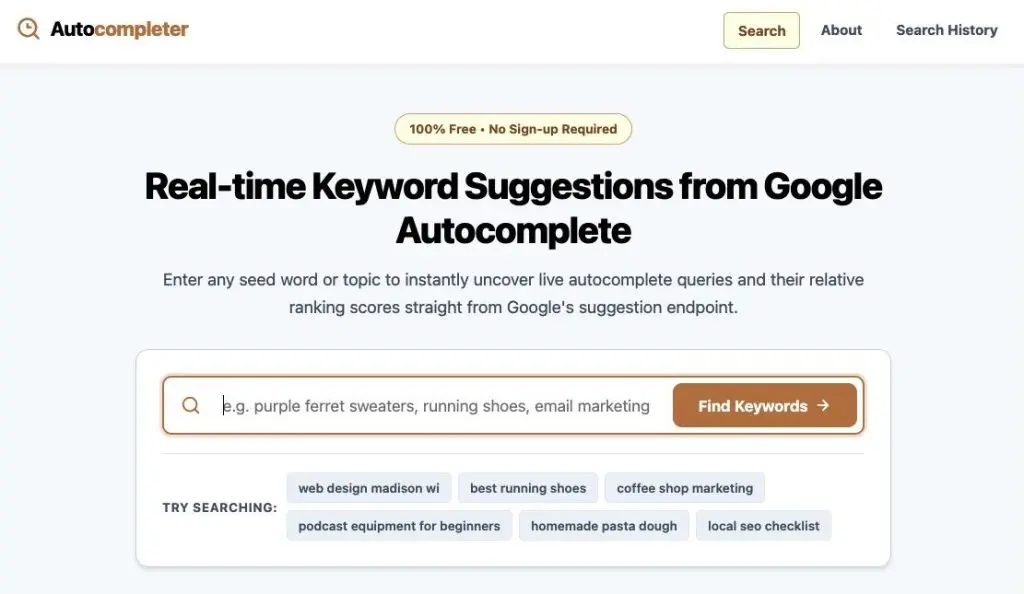
Enter a word, phrase, product, service, or topic, and the tool returns related queries that Google may suggest when someone begins typing a similar search.

For example, you might begin with:
web design madison wi
Google could return related phrases such as:
- web development madison wi
- web design jobs madison wi
- website design madison wi
- website design madison
These suggestions can help you understand how people phrase searches and reveal variations you may not have considered.
The results also include Google’s suggestion-relevance numbers when they are available. These numbers indicate how Google prioritizes one autocomplete suggestion relative to others in that set.
They are not monthly search volumes, traffic estimates, competition scores, or keyword-difficulty ratings. That distinction is important.
The Best Feature: Clicking Deeper into the Results
The part I find especially useful is the ability to click any keyword in the results and research that phrase immediately.
Instead of stopping after your first search, you can keep drilling down.
Imagine that you own a landscaping company. You might start with a broad phrase such as:
landscaping ideas
One of the suggestions may lead you to:
landscaping ideas for backyard
Click that result, and the next set of suggestions could reveal something more specific:
landscaping ideas for small backyard
Follow that phrase again, and you might eventually find:
low maintenance landscaping ideas for small backyard
You’ve now gone from a broad, highly competitive topic to a specific long-tail keyword that describes a much clearer need.
That progression is where the tool becomes genuinely interesting.
Why Long-Tail Keywords Matter
Long-tail keywords are longer, more specific search phrases. Individually, they may attract fewer searches than broad keywords, but they often reveal much more about what the person wants.
Compare these two searches:
landscaping
and:
low maintenance landscaping ideas for small backyard
The first search could mean almost anything. The second gives you a strong idea of the searcher’s problem, property, and desired outcome.
Specific searches can be valuable because they:
- Face less competition than broad terms
- Reveal clearer search intent
- Make it easier to create a focused page or article
- Often attract visitors who are closer to making a decision
- Answer the exact questions prospective customers are asking
A small business may have difficulty ranking for a broad phrase like “web design.” It may have a much more realistic opportunity with a phrase such as “affordable web design for small businesses in Madison.”
How I Use Autocompleter for Keyword Research
Here is a simple process you can use.
1. Begin with a broad topic
Start with a product, service, problem, or subject related to your business.
A plumber might begin with:
water heater repair
A photographer could try:
family photography
An online retailer might enter:
hiking boots
2. Review the suggestions
Look for phrases that are relevant to your business and specific enough to reveal a real question or need.
Don’t choose a phrase solely because it has the highest relevance number. Consider whether it fits your audience, services, and goals.
3. Open a promising result
Click one of the suggested keywords to run another search based on that phrase.
This is the key step. Each result can become the starting point for a new branch of research.
4. Continue drilling down
Repeat the process until the suggestions become more specific.
You may move through a sequence like this:
email marketing
email marketing for small business
email marketing for small retail business
email marketing ideas for small retail business
Each step narrows the topic and gives you a better sense of the searcher’s intent.
5. Save the best ideas
Create a list of phrases that closely match your business and the subjects you can address well.
These keywords can become:
- Blog-post topics
- Frequently asked questions
- Service-page sections
- Product-category descriptions
- Location pages
- Video topics
- Tutorial ideas
- Social-media content
The goal isn’t to stuff an exact phrase into a page repeatedly. Use the keyword to understand the topic and then create genuinely useful content around it.
Use the Search History for More Ideas
Autocompleter also maintains a public search history containing previous searches.
The history is sorted alphabetically, and each phrase links to its own keyword page. This makes it possible to revisit earlier research or browse searches for additional ideas.
The site tracks the total number of searches performed and the number of unique keywords researched. It does not require visitors to create an account.
A Few Important Limitations
Autocomplete data is useful, but it shouldn’t be confused with a complete SEO strategy.
A suggestion appearing in Google does not automatically mean:
- It receives a particular number of searches
- It will be easy to rank for
- It will generate sales
- It is relevant to your audience
- You should create a separate page for it
Before targeting a keyword, search for it yourself and examine the current results. Look at the types of pages Google displays and consider what the person performing that search probably wants.
You should also make sure the phrase is closely connected to something your business can credibly offer or explain.
Autocompleter is best used as an idea-discovery tool. It helps you uncover the language people use and explore increasingly specific variations of a topic. You still need to apply judgment when deciding which keywords deserve your time.
Try It Yourself
You can use Autocompleter for free.
Enter a broad keyword related to your business, review the suggestions, and click the most promising result. Keep following relevant suggestions and see how specific you can get.
That simple process can lead you to excellent long-tail keywords that would be difficult to think of on your own—and possibly some great ideas for your next article, service page, or video.
Sometimes the best keyword tools are the ones that make exploration easy.
📄 Download a PDF of This Article