How to Create an SMS Button in HTML (for Mobile Devices)

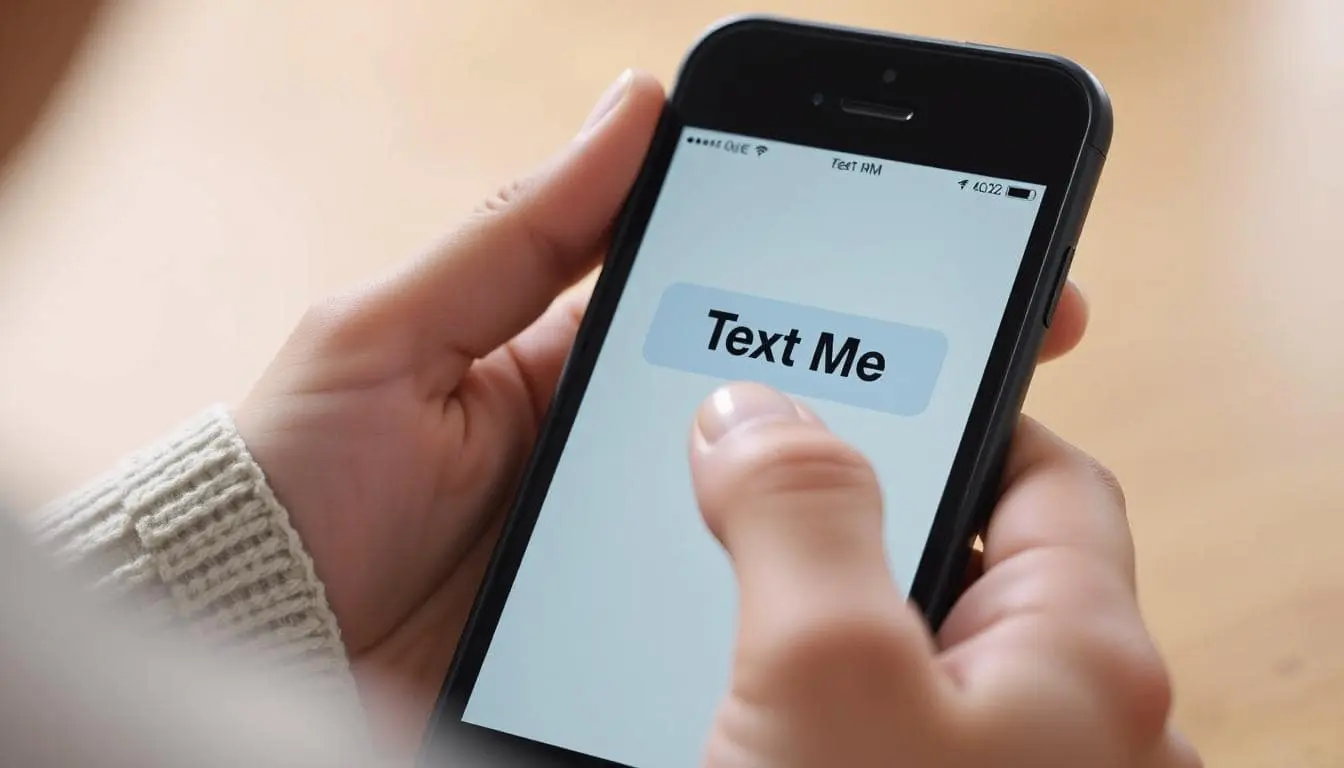
Want a button that opens your visitor’s text message app with your number already filled in? You’re in the right place. It’s a great call to action to add to your website as it’s a smaller ask than making a phone call.
How to Make a Text Message Button in HTML
Here’s the code:
<a href="sms:1234567890">Text Us</a>If you want to pre-fill a message, use this:
<a href="sms:1234567890?body=Hi%20there">Text Us</a>The sms: link works on most mobile devices with SMS capabilities. On desktops, nothing happens — which is fine for mobile-first sites.
Can You Make It Look Like a Button?
You bet. Add some inline CSS like this:
<a href="sms:1234567890?body=Hi" style="padding: 10px 20px; background-color: #28a745; color: white; text-decoration: none; border-radius: 5px;">Text Us</a>But if you don’t want to write all that manually…

Use This Free Tool Instead
Try the SMS Button Generator. It lets you:
- Enter a phone number and optional message
- Pick your size, colors, and styling
- See a live preview
- Copy clean, inline HTML that works anywhere
It’s especially useful for landing pages, mobile-first designs, and contact sections.
Common Questions
What is the HTML tag for SMS links?
There isn’t one. Just use an <a> tag with href="sms:...".
Can I add a message to an SMS button?
Yes — use ?body=Your+Message in the href.
Will it work on desktop?
No — but mobile users are your target here. This is perfect for them.
Final Thoughts
If you want people to text you, make it easy. You could fuss with inline styles or figure out what sms: links need… or you could just use the SMS Button Generator and move on with your day.
📄 Download a PDF of This Article