How to Trick (Train) Google Maps Into Ranking Your Business

TL;DR Summary: Maps navigation intent is a real engagement signal. Repeated directions requests to your location can correlate with better Map Pack visibility. Don’t try to fake it with 100 phones in a car—that’s risky, looks unnatural, and could backfire. Use the legit version: you, staff, regulars, partners, and community events that drive real visits.
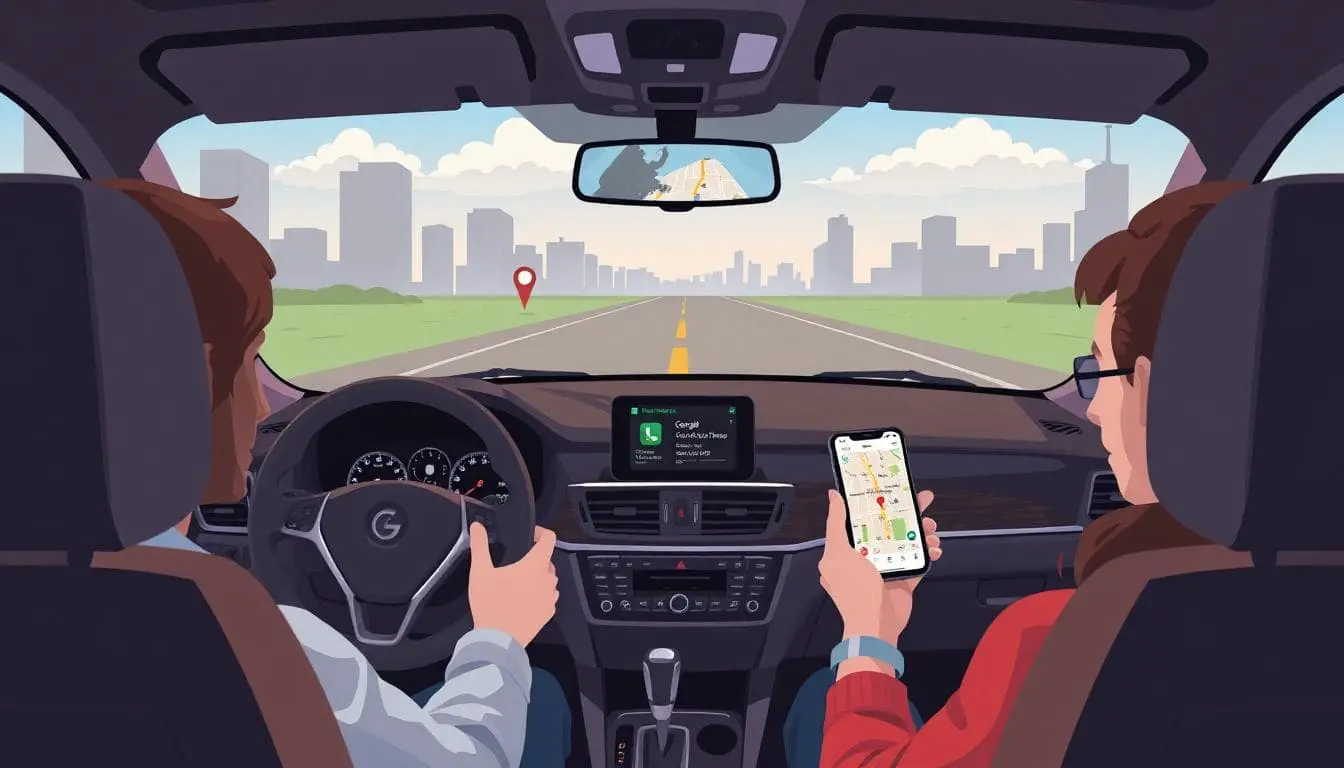
Every time you drive to your business, open Google Maps and use directions to get to your business – every time. Have your team, friends, and family do the same when they visit. Those navigation requests are behavioral signals that can help your spot look “in demand.”
Why This Can Work
Google wants to rank places people actually go. It looks at a mix of signals: proximity, relevance, reviews, photos, on-page/local content, and behavior like calls, website taps, and directions requests. When more people ask Google to guide them to your place, that’s a pretty loud hint that your business is worth showing to others nearby.
The Legit Playbook
- Make it a habit: Before you drive, open Maps and hit “Directions” to your business, even if you know the route.
- Enlist your circle: Ask employees, family, and friends to do the same on their way in.
- Promote real visits: Host small events, workshops, pickups, or promos that get people to physically come by.
- Use GBP tools: Keep your Google Business Profile fresh with posts, photos, updated hours, and Q&A. More engagement begets more engagement.
- Track what you can: In GBP Performance, watch for “Directions” interactions as you run in-person promos.
What Not to Do
Don’t buy gimmicks. There are stories about people driving around with a hundred phones all running directions to a location. Does it spike signals? Maybe. Is it a good idea? No. It’s unnatural, leaves a footprint, and risks getting flagged. Keep it clean and human.
Make the Signal Stronger With Basics That Matter
- NAP consistency: Exact name, address, phone (NAP) everywhere. No variations.
- Category & services: Choose the best primary category and add services in Google Business Profile.
- Local content: Create pages that answer local intent queries and mention neighborhoods you serve.
- Reviews: Ask happy customers. Reply to all reviews like a human.
- Photos & posts: Add fresh photos weekly. Post short updates people actually care about.
- On-site details: Put your address, embedded map, hours, parking info, and click-to-call on key pages.
Simple Step-By-Step
- Open Google Maps on your phone.
- Type your business name or paste your exact address.
- Tap Directions and start navigation.
- Ask staff and regulars to do this when they head over.
- Run a low-key in-store promo for walk-ins and monitor GBP’s “Directions” metric over a few weeks.
Bottom Line
Train Google with honest signals. Use driving directions before you head in, get your circle to do the same, and pair it with reviews, photos, and legit local content. When Google sees people choosing your place, it’s more likely to send more people your way.
FAQs About Ranking Higher in the Map Pack
Is this against Google’s rules?
Using directions when you actually drive to your business is normal use. Manufacturing fake navigation at scale isn’t smart and could be flagged. Keep it real.
How fast will this help my rankings?
There’s no switch to flip. Treat it like exercise: consistent inputs over weeks add up, especially alongside reviews, photos, and solid local content.
Should I change my phone’s location or use VPNs?
No. That’s the kind of fakery that sets off alarms. Focus on real-world behavior and real visitors.
Will this work if I’m not near the searcher?
Proximity still matters. Directions data helps, but you won’t outrank a closer competitor only with this. Stack the basics listed above.
📄 Download a PDF of This Article