How to Make a Button in HTML (Without Losing Your Mind)
 Reading Time: 2 minutes
 Create Buttons in HTML
If you’ve ever tried to hand-code an HTML button, you’ve probably looked something like this: ????????
You just want a simple button… that looks good… and actually works. But then you start Googling things like:
- What’s the HTML code for a button?
- How do I make a button link to something?
- Why does my button look like it’s from 1997?
Let’s break it down—and make it easy.
What’s the HTML Code for Buttons?
There are two main ways to make buttons in HTML:
1. <button> Element:
<button>Click Me</button>This creates a button that does something—usually tied to JavaScript or a form. But it doesn’t link anywhere by default.
2. Styled <a> Link:
<a href="https://example.com" class="button">Visit Site</a>This is the preferred method if you want a clickable button that takes someone to another page.

How to Make a Button Link in HTML
If you want a button that acts like a link, use the <a> tag, and style it to look like a button with CSS.
<a href="https://example.com" style="padding: 10px 20px; background-color: #007bff; color: white; text-decoration: none; border-radius: 4px;">Click Me</a>But let’s be honest—that’s a lot to remember. And if you want different sizes, colors, or styles? Things get messy fast.
Want the Easy Way?
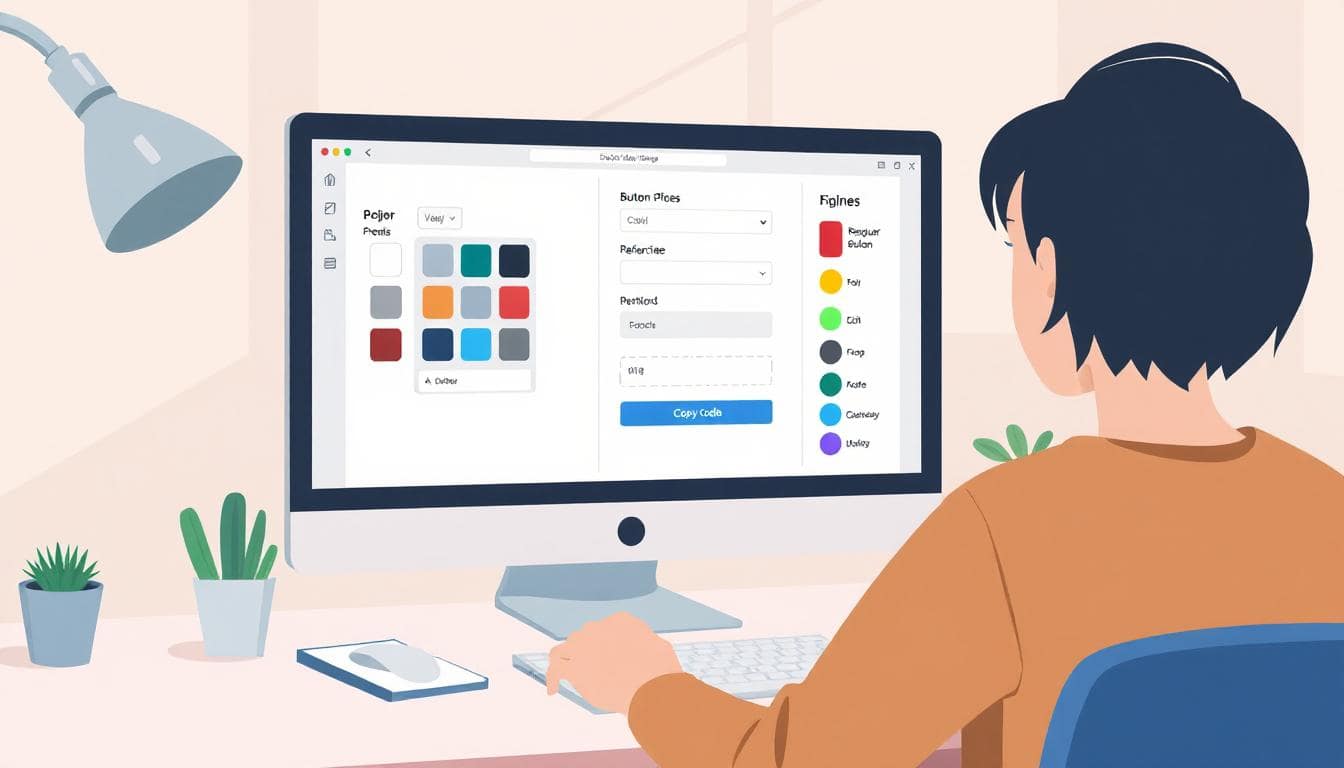
Use my free HTML Button Generator. It lets you:
- Enter your button text and link
- Pick colors and size
- Toggle rounded corners or shadow
- Preview the result instantly
- Copy the finished code in one click
It’s simple, fast, and way more fun than trying to write inline styles from scratch.
Common Questions About HTML Buttons
How do I make text buttons in HTML?
Just use an <a> tag styled to look like a button. You can also use a <button> tag, but it’s usually for forms or JavaScript actions.
How do I make a button clickable?
Give it a href if it’s a link (<a href="...">) or attach a click event with JavaScript if it’s a <button>.
What’s the HTML element type of a button?
Technically: <button>, <input type="button">, or just a styled <a> tag. It depends on your use case.
Final Thoughts
Whether you’re building a full site or just need a quick way to link to something important, HTML buttons are everywhere. You could keep guessing at the syntax… or just use this tool and get it done.
📄 Download a PDF of This Article